


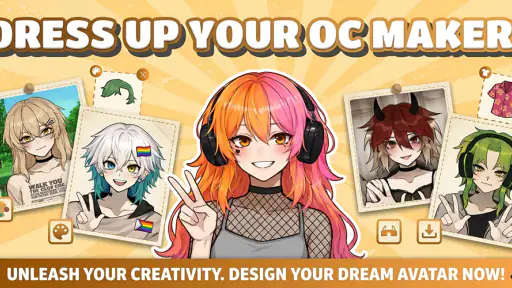
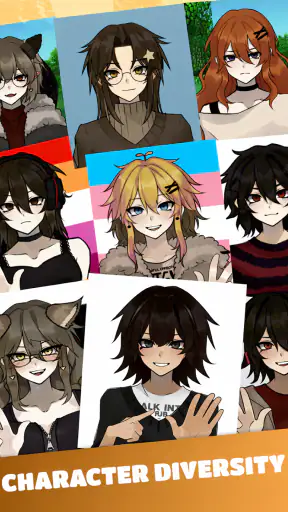
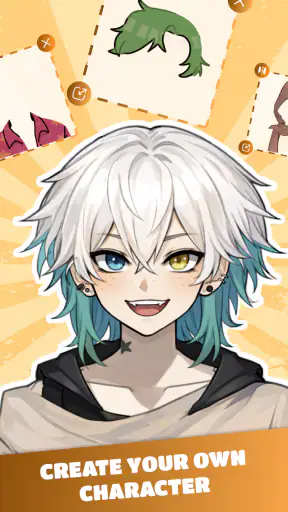
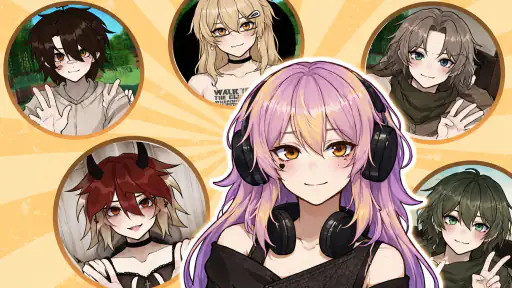
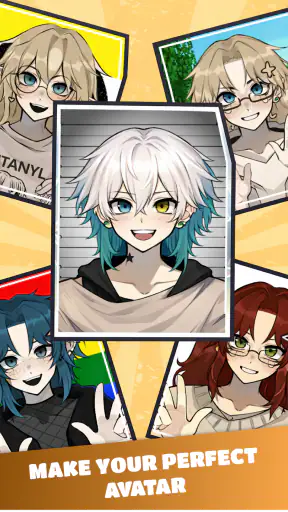
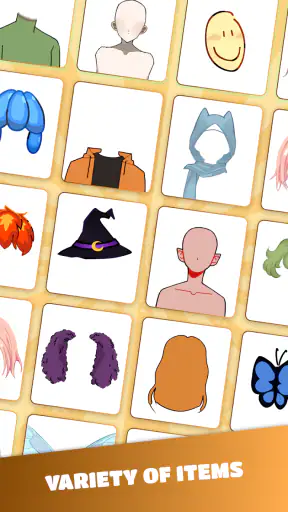
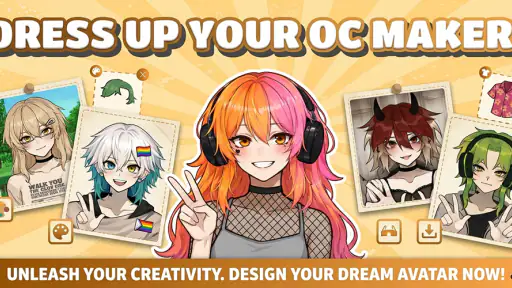
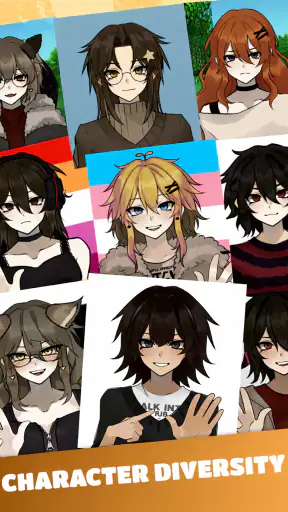
I tried OC Maker: PFP & Avatar as a lightweight personalization app for building original characters and profile images. Its appeal is easy to understand: instead of starting with a blank canvas, you begin with the idea of a character, adjust its appearance, and turn that concept into something suitable for a social profile or casual creative project. It is free, aimed at Everyone, and made by Vietgaweopl, so the barrier to trying it is low.
That low barrier matters here. This is not an app I would approach as a professional illustration suite or a serious character-design workstation. I see it more as a quick visual playground: useful when I want an avatar with a particular mood, a recognizable OC for a story, or a profile picture that feels more personal than a stock image. The experience makes the most sense when speed and experimentation matter more than precision.
Building a character without beginning from scratch
The central idea is a dress-up workflow focused on OCs, or original characters. That gives the app a clearer identity than a general wallpaper or icon-personalization tool. I can think about a character’s overall look first, then use the avatar-making process to explore how that personality might appear visually. For someone who enjoys character concepts but does not want to draw every component manually, that is a practical starting point.
I found the format particularly suitable for small creative decisions. A character made for a chat profile does not need the same detail as one intended for a comic reference sheet. Likewise, a playful avatar for social media can be more exaggerated than a character meant to represent a calm, professional identity. The value comes from being able to test those directions quickly rather than committing to one design immediately.
One useful approach is to decide on a visual brief before opening the app. I might choose three words such as “quiet,” “retro,” and “confident,” then use those as a filter while shaping the avatar. Without that constraint, dress-up tools can encourage random selections that look individually appealing but do not form a coherent character. With a simple brief, the finished image is more likely to communicate something specific.
The app’s store summary positions it around OCs, avatars, dress-up, and social media. In practice, those uses overlap but are not identical. An OC can be part of a longer creative project, while a profile picture needs to remain readable at a small size. I would therefore make separate versions when necessary: one with a stronger silhouette for a tiny profile image and another with more visual detail for sharing as a character portrait.
That distinction is easy to overlook. A design that looks attractive while filling the phone screen may lose its identity when reduced to a small circle. I recommend checking the character at thumbnail size before settling on it. If the face, hair shape, or main color disappears, simplifying the design can produce a better social avatar than adding more decoration.
What the free access means for value
OC Maker: PFP & Avatar is free, which makes the decision straightforward for curious users: it can be tried without paying for access. That is the clearest cost advantage, especially for someone who only needs one profile image or wants to experiment with an OC before investing time in a larger project. I would not describe it as a purchase decision; its value is based on whether the free experience gives you enough creative flexibility for your purpose.
For a free personalization app, I judge value by the usefulness of the finished result and by how much time the creation process saves. If I can make a recognizable avatar in a short session, the app has done something worthwhile even if I do not return every day. It also works well as a low-risk way to discover whether an avatar-making workflow suits me before moving to a more advanced drawing or design tool.
There is an important difference between free access and professional value. Free access is helpful for casual users, but it does not automatically make the app a replacement for paid illustration software, commissioned artwork, or a full character-design program. Those alternatives may be better when I need exact anatomy, custom poses, layered editing, detailed rendering, or a consistent character across many scenes.
I also prefer to keep expectations focused on what this kind of app is designed to do. It can help me establish a visual identity, but it is not the same as having an artist develop a character from a written brief. If my goal is a highly original design with unusual proportions, specific clothing construction, or a carefully controlled art style, I would choose a drawing app or work with an illustrator instead.
Where it fits among familiar alternatives
The closest alternatives are other avatar builders, dress-up apps, profile-picture makers, and general drawing tools. Compared with a blank drawing canvas, this app should feel less intimidating because the character-building idea gives the session a direction. I do not need to know how to sketch a face before I can produce a visual concept. That makes it a better first step for casual creators and younger users than a tool that expects drawing confidence.
Compared with a general avatar generator, its OC emphasis is more useful when I care about a character rather than only a flattering portrait. I can approach the result as a persona with a theme, not just as a digital likeness. That difference matters for writers, role-players, fandom communities, and anyone who wants a profile image that represents an imagined identity.
Compared with a full illustration app, the trade-off is control. A drawing program gives me more freedom over every line, but it also demands more effort and skill. I would choose OC Maker for fast visual exploration and choose the drawing app when the image itself is the finished artwork. Neither option wins in every situation; they solve different parts of the same creative problem.
There is also a practical workflow that combines the two. I can use the avatar maker to settle on broad choices such as hair shape, clothing direction, and overall mood, then use a drawing tool to refine the concept. This is one of the strongest reasons to treat the app as a sketching aid rather than judging it only as a final-art solution.
Small workflows that make the results more useful
My first tip is to create variations instead of trying to perfect the first design. I would make one version that emphasizes color, another that emphasizes silhouette, and a third that is deliberately simple. Comparing them side by side makes it easier to see which choices actually define the character. It also prevents a common problem with dress-up apps: adding items because they are available rather than because they support the concept.
My second tip is to design for the destination. For a social profile, I would prioritize a clear face and a strong outline. For an OC reference, I would care more about the relationship between clothing, hairstyle, and personality. The same character can need different framing in each context, so I would not assume that one export or screenshot works equally well everywhere.
My third tip is to use the app as a consistency check. If I am writing a character, I can build an avatar after describing that character in words. If the visual result does not match the description, that reveals something useful: perhaps the personality is vague, or perhaps the design contains too many unrelated signals. This turns a simple dress-up session into a quick test of whether the character concept is communicating clearly.
A fourth useful habit is to keep a short written note beside the design. I might record the character’s role, dominant mood, and one identifying feature. That note helps me avoid redesigning the avatar from memory later. It also makes the image more useful as a reference for stories, role-playing, or social accounts where I want the same identity to remain recognizable.
Limitations I would consider before relying on it
The biggest limitation is the likely gap between quick customization and detailed authorship. An avatar can look polished enough for a profile while still feeling assembled rather than deeply personal. That is not necessarily a flaw, but it affects how I evaluate the result. If originality at the level of hand-drawn artwork is essential, I would not stop with this app.
Another trade-off is that convenience can encourage similar-looking results. When many users work within the same type of dress-up structure, the overall visual language may begin to feel familiar. I can reduce that effect by choosing a clear concept, limiting unnecessary accessories, and using the app as the foundation for further editing rather than assuming the first result is distinctive.
I would also be cautious about treating a social-media-ready image as a complete identity package. A profile picture is only one part of how an account looks. If I am building a themed presence, I may still need matching colors, a banner, posts, or other artwork from separate tools. The app can supply the central avatar, but it does not remove the need for broader visual planning.
The current version is 1.1.0, and the app was released on August 2, 2025. Those details place it in a relatively early stage of its life, so I would approach it as a tool that may continue to change rather than as a mature creative platform with a long-established workflow. That is not a reason to avoid it, but it does make it sensible to keep copies of any images I care about outside the app.
The minimum operating-system requirement is Android 7.0. For an Android user with a compatible phone, that keeps the entry point reasonably broad. The age classification is Everyone, which fits the simple, accessible nature of avatar creation. Parents and guardians should still make their own judgment about how a child uses any app connected to social-media imagery, but the stated age category makes the intended audience clear.
Who is most likely to enjoy it?
I think the best audience is someone who wants a personal avatar without learning digital drawing first. That includes users updating a profile, writers visualizing a new character, role-players preparing an identity, and casual creators who enjoy trying different looks. It is also a sensible choice for someone who values experimentation more than technical control.
A realistic everyday scenario would be a user preparing a new account for a hobby community. Instead of using a photograph or a generic icon, they spend a few minutes shaping a character around the community’s theme, check whether the face remains clear at small size, and use the result as a recognizable identity. Later, they can reuse the same concept when introducing themselves or creating related posts.
It can also help a writer who is stuck on a character’s appearance. Rather than spending an hour describing every detail, the writer can build several rough versions and notice which one feels closest to the character’s voice. The image does not replace written development, but it can expose contradictions and make the character easier to imagine.
I would skip it if my main goal is professional illustration, precise editing, animation, or a completely custom portrait. I would also skip it if I dislike preset-driven creative tools and want to control every visual element manually. In those cases, a drawing application, photo editor, or commissioned design will probably offer better long-term value, even if it requires more effort or expense.
My verdict on trying it
OC Maker: PFP & Avatar earns its place as a free, approachable way to explore character-based profile images. I like the fact that it gives the creative session a clear purpose instead of asking me to begin with an empty canvas. Its strongest use is quick concept development: making an avatar, testing a persona, and finding a visual direction that can later be refined elsewhere.
The trade-off is that convenience should not be confused with unlimited creative control. I would use it for casual social profiles, early OC planning, and fast visual experiments, but I would move to a more advanced tool when the design needs detailed originality or professional finishing. That boundary is easy to understand and keeps the app’s free access in perspective.
With over a million installs, it has clearly reached a substantial audience, while its average rating of 3.2 from around 1.7 thousand ratings suggests that expectations should remain measured rather than blindly enthusiastic. I read that combination as a reason to try it personally and judge the workflow against my own needs. For me, the recommendation is simple: try it when you want a quick character identity, skip it when you need full artistic control.
Overall, I would recommend it to a friend who wants an OC or social avatar without a complicated learning curve. I would explain that its real value is not in replacing every creative tool, but in making the first visual step easy. If that is the step I need, the free entry makes it worth exploring; if I already know I need detailed, original artwork, I would start somewhere more powerful.


